How should you combine utilization across rooms of different sizes?
Two rooms at 90% and 10% can have combined capacity utilization of 17.3%. Work through the inputs, weighting and measurement limits.


Last updated
Oct 30, 2026
October 30, 2026
A ten-seat room and a hundred-seat room should not carry equal weight in a calculation of people present relative to their combined seat capacity. Add the people and the available seats first. Then divide.
Density Atlas exports include space identifiers and configured capacity, which help an analyst inspect the inputs behind a combined rate. The export guide describes those fields and the reporting selections. Keep the individual spaces visible alongside a portfolio summary so a quiet large space does not hide a busy small one.
Two correct percentages can produce the wrong combined answer
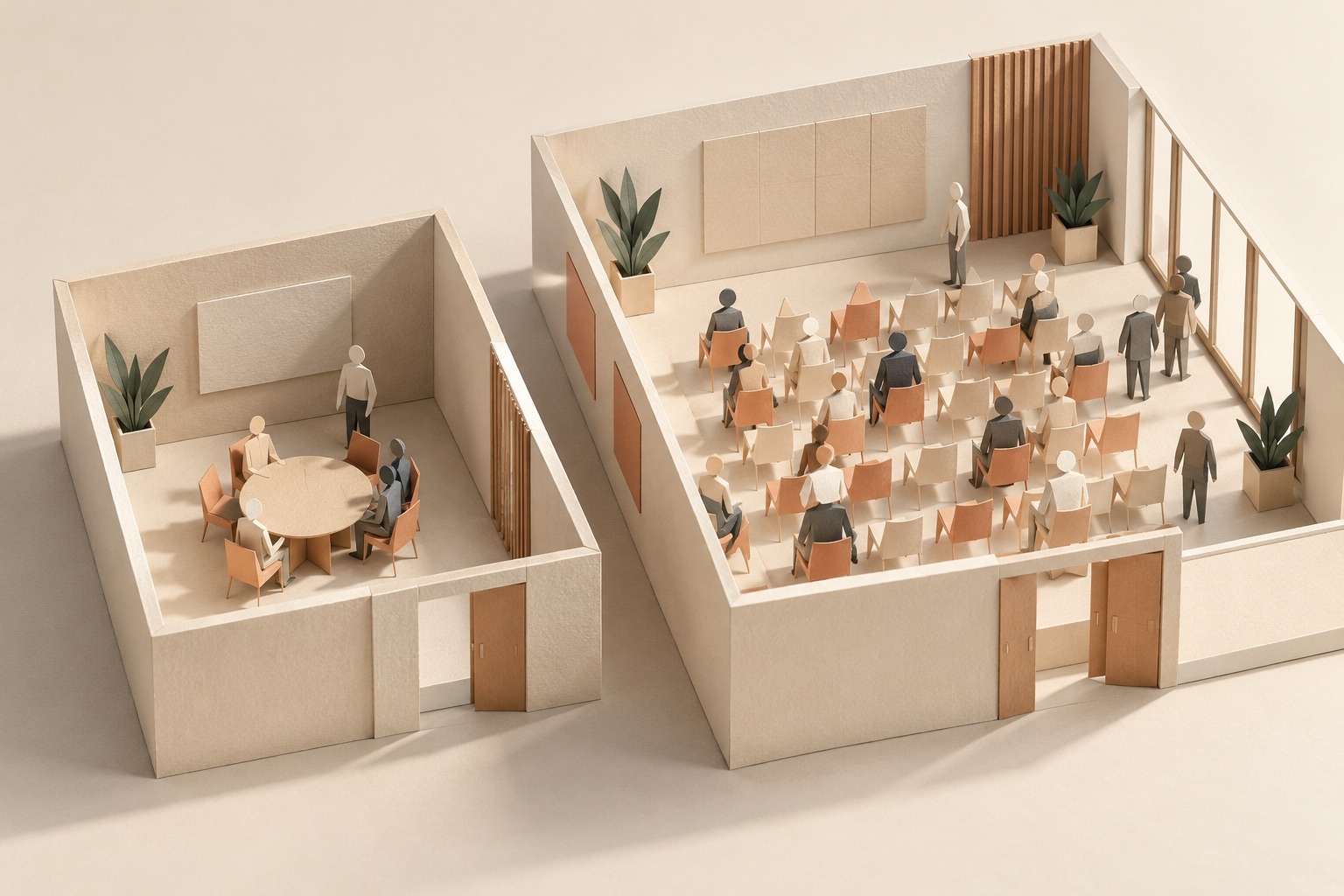
Consider this hypothetical snapshot of two separate, nonoverlapping rooms. Counts are exact for this example, capacities are known, and both readings refer to the same instant.
| Input | Room A | Room B |
|---|---|---|
| People present | 9 | 10 |
| Usable seat capacity | 10 | 100 |
| Capacity utilization | 90% | 10% |
The simple average of the percentages is (90% + 10%) ÷ 2 = 50%. That answers what the average room percentage is when each room gets equal weight. It does not answer how many people are present relative to the combined seat capacity.
Together, the rooms contain 19 people and 110 available seats. Their combined capacity utilization is 19 ÷ 110, or about 17.3%. Room B supplies most of the seats, so its lower utilization has more influence on the combined capacity measure.
Both summaries have defined meanings. Name the one you need. A workplace team evaluating its total seating supply needs the combined-capacity calculation; a team studying how utilization varies among rooms may also want the distribution of individual room rates.
Across time, combine person-hours and available seat-hours
For a time window, use the same principle with durations. Sum person-hours across the included spaces, then divide by the corresponding available seat-hours. Keep the reporting hours, capacity and observation coverage attached to each space.
If the hypothetical readings above remained constant for two fully observed hours, the rooms would contribute 18 and 20 person-hours: 38 in total. Their available seat-hours would be 20 and 200: 220 in total. The result remains 38 ÷ 220, or about 17.3%.
When schedules differ, calculate each space's contribution over its stated available hours. If observations are incomplete, disclose which intervals the calculation includes and report coverage. Missing observations should not silently add empty seat-hours to the denominator.
Check the scope before adding rows
Use mutually exclusive spaces. Adding a floor total to the rooms already inside that floor can count the same people twice. Retain space identifiers and the location hierarchy when deciding which rows belong in the calculation.
Choose a measurement that supports the required arithmetic. Waffle's three-plus category distinguishes group use but does not establish an exact larger headcount. An exact combined people count requires suitable count measurements for the included spaces. Density's API reference describes utilization relative to configured capacity and identifies capped readings.
A combined rate also says nothing by itself about whether a particular team can use the spare seats. Room purpose, equipment, access and location still matter. Inspect those constraints before using a portfolio percentage to remove or reallocate space.
Ask Density to show the inputs behind the chart
Bring the rooms or floors you want to compare and the decision the total should support. Ask Density to demonstrate the applicable measurement and reporting views, then reconcile a small selection from the export before expanding the analysis.
Book a Density demo, or email sales@density.io with your space list and reporting question.
Use the utilization definitions for the individual measures, the building-comparison guide for equivalent periods and the simultaneous-peak example for a different aggregation problem.
Browse occupancy guides and sensor comparisons · Read the plain-text version
Key Takeaways
DisruptCRE founder shares how corporate real estate is changing
DisruptCRE founder shares how corporate real estate is changing
Companies are moving employees from underutilized offices into "space as a service” options with utilization data.
Watch nowHalf of offices are empty but you still can’t find a meeting room
Half of offices are empty but you still can’t find a meeting room
Employees waste up to 30 minutes a day looking for a meeting room to meet in workplaces.
Read moreMost recent
Can CO₂ sensors measure office occupancy and utilization?
Can CO₂ sensors measure office occupancy and utilization?
CO2 concentration needs a model to become an occupancy estimate. Learn which measurements and validation a workplace utilization decision requires.
Density vs. Robin: people counts, bookings and check-ins
Density vs. Robin: people counts, bookings and check-ins
A busy room calendar and a physically occupied room are different observations. Compare Density measurement with Robin bookings, check-ins and named reports.
Density vs. Cisco Spaces: choosing the measurement behind workplace analytics
Density vs. Cisco Spaces: choosing the measurement behind workplace analytics
Choose the measurement and reporting scope your workplace needs. Compare Density sensor outputs with Cisco Spaces infrastructure, maps and entitlement requirements.
Density Waffle vs. Disruptive Technologies' Desk Occupancy Sensor
Density Waffle vs. Disruptive Technologies' Desk Occupancy Sensor
Choose the output for your workplace decision: compare Density Waffle room-use categories with occupied or unoccupied desk events and the required connections.
Explore other Density Products
Atlas for Workplace
Insights for the workplace that help you cut costs and deliver better spaces.
Learn more