How can you measure office occupancy without cameras or personal data?
Use anonymous occupancy measurements to improve your workplace. Density helps teams understand spaces without identifying the people using them.


Last updated
Oct 30, 2026
October 30, 2026
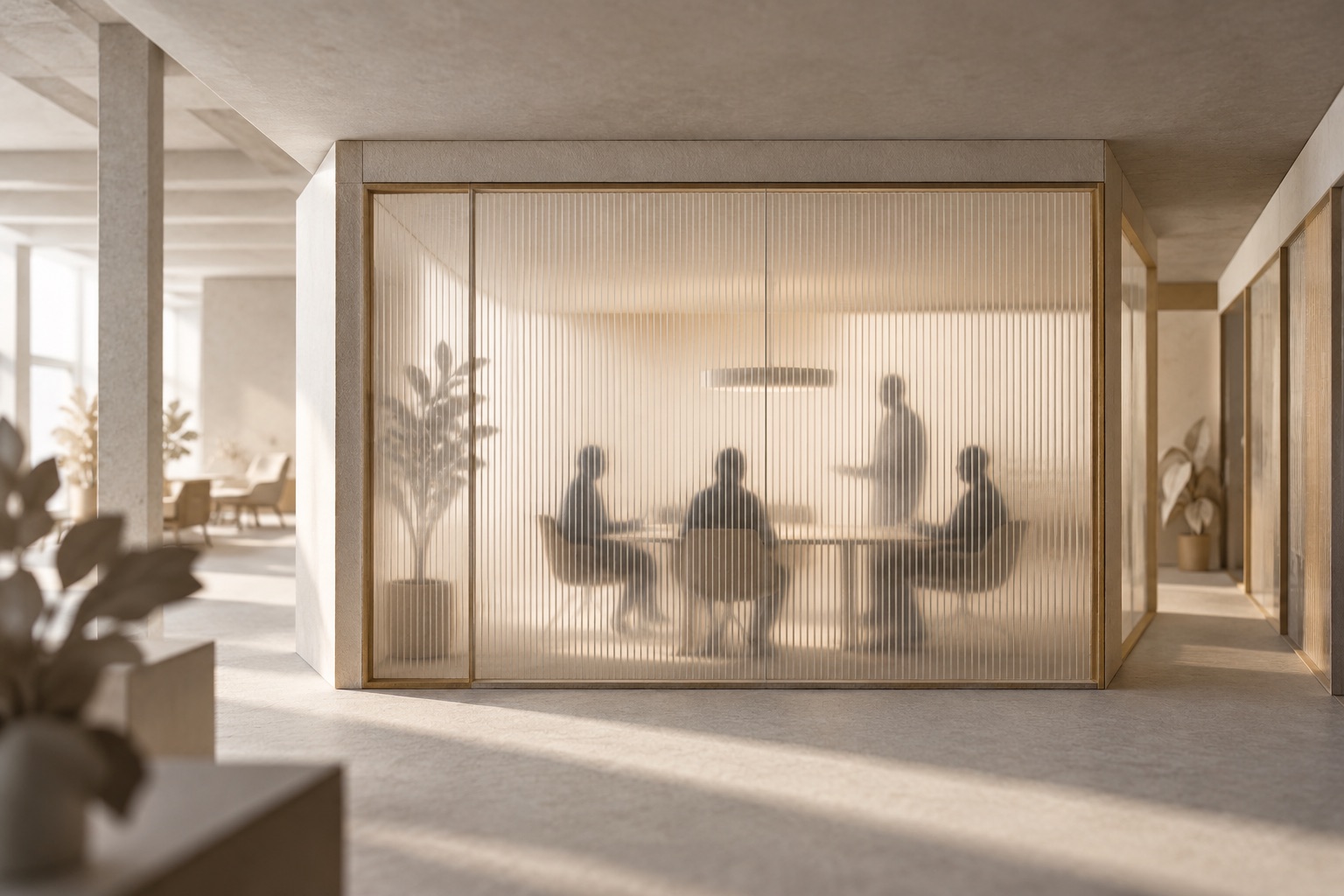
You can measure how an office is used without identifying the people in it. Density measures occupancy and utilization without cameras. Its privacy and trust page describes radar-based sensors designed without the ability to capture, store or interpret personally identifiable information.
Start with the space question: Is a phone booth available? Are meeting rooms mainly used by individuals or groups? Which areas need more capacity? You can answer these questions with occupancy measurements rather than employee identities.
Choose a measurement that fits the space
For small meeting rooms, phone booths and desks, Density Waffle offers anonymous occupancy measurement in a self-installable radar sensor. It reports zero, one, two or three-plus people, with real-time and historical data. Those categories help distinguish an empty room, individual use and group use.
For larger spaces, Density Open Area counts people within an area. Measuring desk neighborhoods and collaboration areas separately helps a workplace team see which spaces are used and which may need to change.
The useful output is a count or pattern associated with a space. A workplace planner can investigate whether the office needs more phone booths without maintaining a record of which employee used each booth.
Review the data path before deployment
Density's privacy guidance recommends inspecting what a sensor actually sees. Turn that question into a short review your workplace and IT teams can use together:
At the sensor: Inspect the output of the device you are considering. Check what it detects and whether it produces visual images or personal identifiers.
Between the sensor and application: Identify the transmitted fields and the systems that receive them. Keep the sensor's anonymous measurement separate from any identity-bearing information another application supplies.
In the dashboard or integration: Identify who can access the fields and how they will use them. Set access, retention and security requirements for the teams reviewing room availability, historical patterns or portfolio comparisons.
Document what is measured, which systems receive it and who can use the results. Share that explanation with employees before deployment.
Explain the purpose before the pilot
Choose a small set of spaces and a decision the measurements can support. For example, investigate whether meeting rooms serve groups or absorb demand for quiet individual work. Explain where sensors will be installed, what they measure and who will use the results. Give employees a place to ask questions.
After collecting comparable observations, review the pattern with the teams who use those spaces. Keep the planning question beside the chart so people can see how the measurement will inform a workplace change.
Book a demo or email sales@density.io to discuss your spaces and privacy requirements.
For a room deployment, read the Waffle setup guide and use the accuracy guide to define the measurement check.
Browse occupancy guides and sensor comparisons · Read the plain-text version
Key Takeaways
Choose the occupancy signal that fits your space and workplace decision.
Review the sensor output, transmitted data and downstream application use.
Explain the purpose, placement and use of space measurements to employees.
DisruptCRE founder shares how corporate real estate is changing
DisruptCRE founder shares how corporate real estate is changing
Companies are moving employees from underutilized offices into "space as a service” options with utilization data.
Watch nowHalf of offices are empty but you still can’t find a meeting room
Half of offices are empty but you still can’t find a meeting room
Employees waste up to 30 minutes a day looking for a meeting room to meet in workplaces.
Read moreMost recent
Can CO₂ sensors measure office occupancy and utilization?
Can CO₂ sensors measure office occupancy and utilization?
CO2 concentration needs a model to become an occupancy estimate. Learn which measurements and validation a workplace utilization decision requires.
Density vs. Robin: people counts, bookings and check-ins
Density vs. Robin: people counts, bookings and check-ins
A busy room calendar and a physically occupied room are different observations. Compare Density measurement with Robin bookings, check-ins and named reports.
Density vs. Cisco Spaces: choosing the measurement behind workplace analytics
Density vs. Cisco Spaces: choosing the measurement behind workplace analytics
Choose the measurement and reporting scope your workplace needs. Compare Density sensor outputs with Cisco Spaces infrastructure, maps and entitlement requirements.
How should you combine utilization across rooms of different sizes?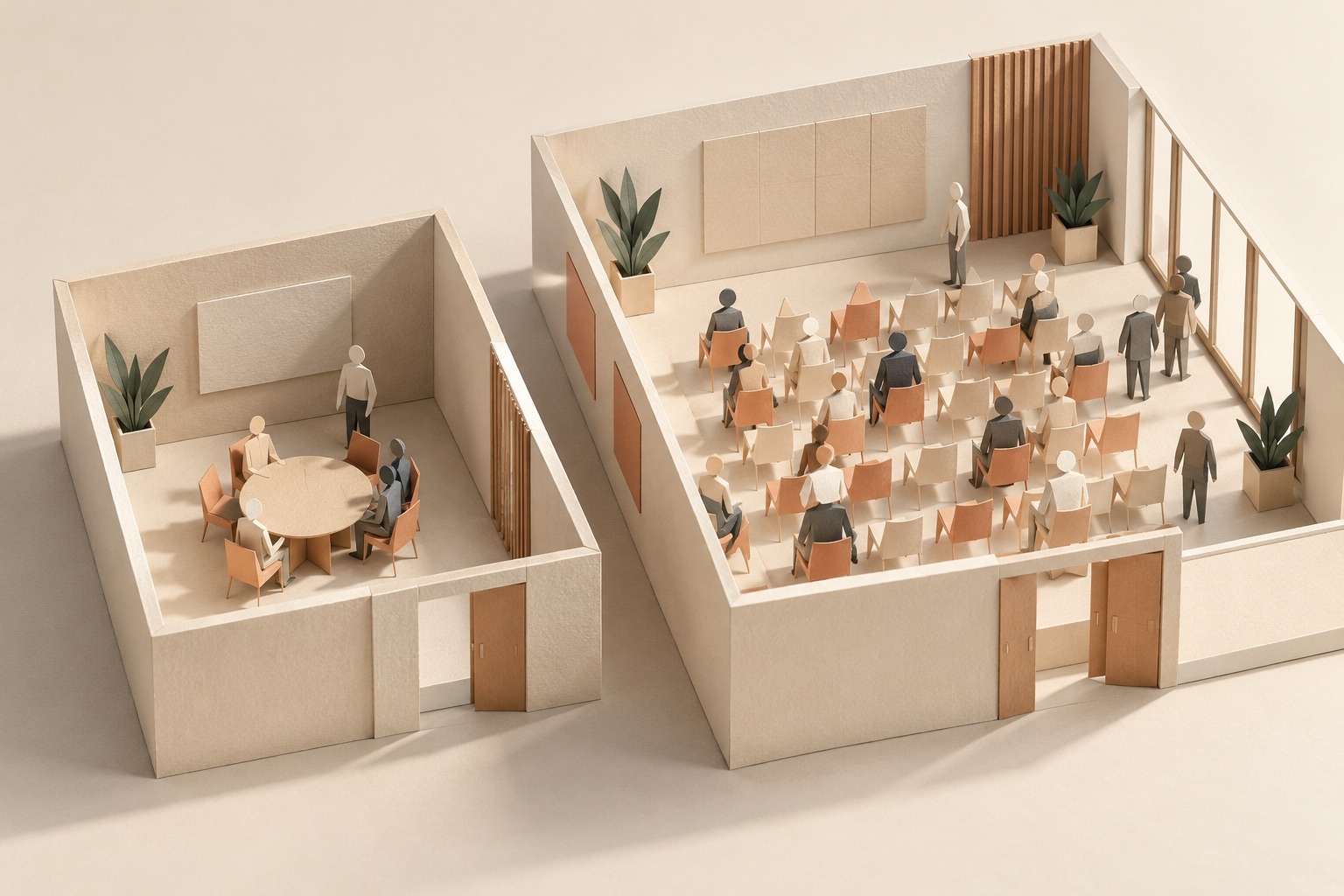
How should you combine utilization across rooms of different sizes?
Two rooms at 90% and 10% can have combined capacity utilization of 17.3%. Work through the inputs, weighting and measurement limits.
Explore other Density Products
Atlas for Workplace
Insights for the workplace that help you cut costs and deliver better spaces.
Learn more